How Iotamine Cloud VPS's Detachable Volumes, IPs Actually Work
A practical walkthrough of deploying, detaching, and reattaching volumes and IP addresses on Iotamine, plus how the single consolidated monthly bill is calculated.
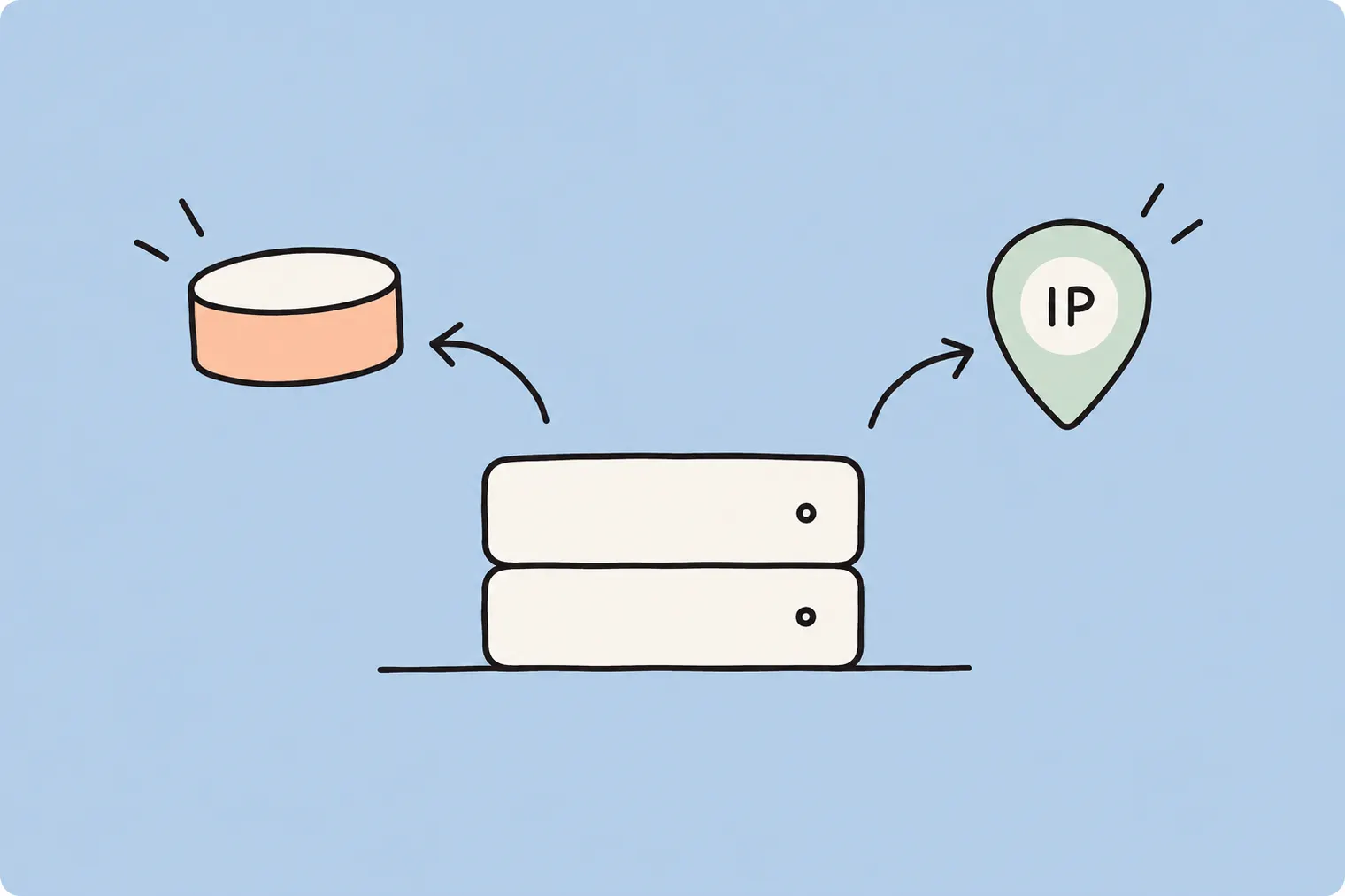
If you've used cloud VPS before, you know the drill: spin up a server, and everything — the disk, the IP, the compute — is glued together in one box. Want to move your data to a beefier server? Have fun with manual backups and restores. Iotamine does this differently, and honestly, once you get it, you won't want to go back.
On Iotamine, your boot volumes and IP addresses aren't permanently welded to a VPS. They're independent resources you own, that happen to be attached to a VPS right now. That means you can detach a volume from one server and attach it to another, in the same region, without downloading a single byte or re-uploading anything. Same goes for IPs. This post walks through exactly how that works, plus how billing actually gets calculated at the end of the day (spoiler: it's one bill, not three).
The core idea: compute, storage and network are decoupled
Every Iotamine VPS is really three separate things bundled together for convenience:
Compute — vCPUs and RAM, running on AMD EPYC or Intel Xeon hardware.
Storage — SSD-backed volumes served from our storage pool, including your boot disk.
Network — the IPv4 address(es) attached to your instance.
Because these are decoupled under the hood, you can pull any one of them off a VPS and reattach it somewhere else, as long as it's within the same region (Frankfurt or Delhi — that's where Iotamine currently operates). No cross-region magic, since that would mean physically shipping data across data centres, which nobody wants to wait for.
Step 1: Deploying your first VM
Deploying is genuinely a few clicks. From the dashboard, hit Deploy, and you'll walk through a short form:
Basic information — hostname, root password, and an optional SSH key if you're not about that password-login life.
Location — pick Frankfurt or Delhi. This choice locks in which volumes and IPs you'll be able to attach later, so pick based on where your users actually are.
IP address — assign a brand new address automatically, or reuse one you already own in that region. If you reuse one, there's no extra cost since it's already billed separately.
Boot disk — purchase a fresh disk sized in the resources step, or boot from a volume you already own in that region.
Resources — dial in vCPUs, RAM, primary disk size, and bandwidth. Each line item shows its own hourly rate, so there's no mystery math. If you want to check current rates before committing, the pricing page lays out the hourly costs per resource.
Once you're happy, hit Deploy Server and it's live within seconds. No provisioning queue, no "please wait 10 minutes for your instance to be ready" energy.
Step 2: Detaching a volume from a running VM
Say you've got a VM and you want to move its boot disk to a new, bigger instance. First thing to know: you can't detach a boot volume while the VPS is running — it needs to be stopped first.
Head to the VM's overview page and hit Stop. You'll get a confirmation dialog explaining that this asks the guest OS to shut down normally, same as pressing the power button on a physical machine. Confirm, and the server goes offline (you can start it again anytime from the same place).
With the VM stopped, go to the Storage tab. You'll see your standalone volumes listed, including which one is currently marked as the boot volume. Click Detach next to it. That's it — the volume is now unattached, still fully yours, and ready to be reused elsewhere.
Step 3: Detaching an IP address
Same logic applies to IPs. Go to the Networking tab on the VM, and you'll see every IPv4 address currently attached, along with its status and location. Click Detach next to the one you want to free up.
If it's the only IP on that VPS, Iotamine will warn you clearly: once detached, the server will have zero network access until you attach another one. This isn't a "gotcha" — it's just physics. No IP means no route in or out. So make sure you've got a plan (either a new address or an existing one) before you confirm.
The upside: the detached IP doesn't vanish. It sits in your account, ready to be reattached to this VM or a completely different one, in the same region.
Step 4: Deploying a new VM with your existing volume and IP
Now for the fun part. Start a new deploy, and when you reach the IP Address step, choose Use Existing Address instead of provisioning a new one. You'll see a list of every address you own in that region, pick the one you just detached, and it's slotted straight in — already billed, no extra cost tacked on.
Do the same at the Boot Disk step: select Boot From Existing Volume, and you'll be shown the unattached volumes sitting in that region, complete with size and the OS it was last running. Iotamine even flags this as a hint based on how the volume was created, not a hard guarantee — nothing forces a check on whether it's actually bootable, so make sure you know what's on it.
Confirm the deploy, and you've essentially teleported your old server's brain (the disk) and its address into a brand-new body (fresh compute). No data transfer, no re-downloading a 15GB image, no re-pointing DNS.
Step 5: Reattaching to an existing VM instead
You don't always need a brand-new VM. If you've got another running instance in the same region, you can attach a detached volume there instead, from that VM's Storage tab, using Attach a Volume. Iotamine only shows unattached volumes that live in the same region as the target VPS, and the target VPS needs to be stopped first, same rule as detaching.
IPs work almost identically. From the Networking tab, hit Add IP, choose Use Existing, and pick from the list of addresses you own in that region. This is genuinely useful if you're consolidating services, swapping a failing node for a backup, or just reorganising your infrastructure without touching DNS records.
Why this setup actually matters
The practical wins here aren't just theoretical:
Upgrading compute is painless. Outgrown your current vCPU/RAM combo? Detach the disk, deploy a new bigger VM, reattach. No migration tooling required.
IP addresses can outlive servers. If an IP is baked into firewall allowlists or DNS somewhere, you can keep using it across completely different underlying VMs.
Disaster recovery gets simpler. If a VM misbehaves, you can spin up a fresh one and reattach the volume rather than restoring from a snapshot.
You're not locked into a shape. Compute, storage, and network scale independently, so you're not stuck buying more RAM just because you need more disk.
None of this means Iotamine sells dedicated or bare-metal servers — it doesn't. This is all still shared VPS infrastructure, just with unusually flexible resource boundaries.
How billing actually works
This is the part that trips people up, so let's be direct about it: Iotamine does not send you three separate invoices for compute, storage, and network. Everything is billed hourly, and at the end of the month, all of it — every VM's vCPU and RAM hours, every volume's storage hours (whether attached or just sitting there), every IP address's hourly rate, across every region you're using — gets rolled into a single consolidated bill.
That's genuinely one of the more sane billing models out there. You don't need three finance dashboards open to figure out what you spent. Detach a volume and leave it idle for a week while you decide what to do with it? It still shows up as one clean line in that same monthly total, at its own hourly rate — no separate storage invoice mailed to a different inbox. If you want to model out costs before deploying anything, the pricing page has the per-resource hourly rates.
Your account also runs on a balance-based tier system: signing up gives you a starting credit, and topping up your balance automatically raises your resource ceiling across VPS count, vCPUs, RAM, disk, and IPs — no ticket, no waiting on approval. Higher balance, higher cap, instantly.
A quick real-world scenario
Let's say you're running a small app on a Standard-tier VM in New Delhi (where we've recently added capacity — we wrote up how we expanded our Delhi infrastructure with new servers), and traffic just spiked because your product got featured somewhere and now everyone's showing up at once (congrats, and also, brace yourself). Instead of panicking:
Stop the current VM.
Detach its boot volume and its IP.
Deploy a new VM with more vCPUs and RAM, selecting that same volume as the boot disk and that same IP as the address.
Start it up. Same data, same IP, same DNS records still pointing correctly, just running on beefier compute.
Total downtime is however long the stop-detach-deploy-start sequence takes you, not the hours it'd take to migrate data manually. That's the entire point of decoupling these resources in the first place.
Final thoughts
Iotamine's approach basically treats your infrastructure like Lego blocks — compute, storage, and networking snap together and apart as needed, without forcing you to rebuild everything from scratch every time your requirements change. Combined with hourly billing and one unified invoice at the end of the month, it's a setup built for people who'd rather spend time shipping their product than wrangling infrastructure bureaucracy.
If you're planning your next deployment, it's worth mapping out which region you need (Frankfurt or Delhi), sketching how much compute vs. storage you actually need, and remembering that none of those choices are permanent walls — they're just settings you can change later without starting over. Check the pricing page for current hourly rates before you size anything up.
FAQ
Can I move a volume or IP address between regions?
No. Volumes and IP addresses can only be attached to VMs within the same region, either Frankfurt or Delhi. Moving resources across regions isn't supported.
Do I need to stop my VM before detaching a volume or IP?
Yes. Both the target and source VPS need to be stopped before you can detach or attach a boot volume or IP address.
Does Iotamine send separate bills for compute, storage, and network?
No. All usage across compute, storage, and network, across every VM and region, is combined into a single consolidated bill at the end of the month, calculated from hourly rates.
What happens if I detach the only IP address on a VPS?
The VPS will have no network access at all until you attach another IP address, either a new one or one you already own in the same region.
Does Iotamine sell dedicated or bare-metal servers?
No. Iotamine offers shared cloud VPS instances running on AMD EPYC and Intel Xeon hardware, not dedicated or bare-metal servers.