Best Cloud VPS Hosting for Indian SaaS Startups & Developers
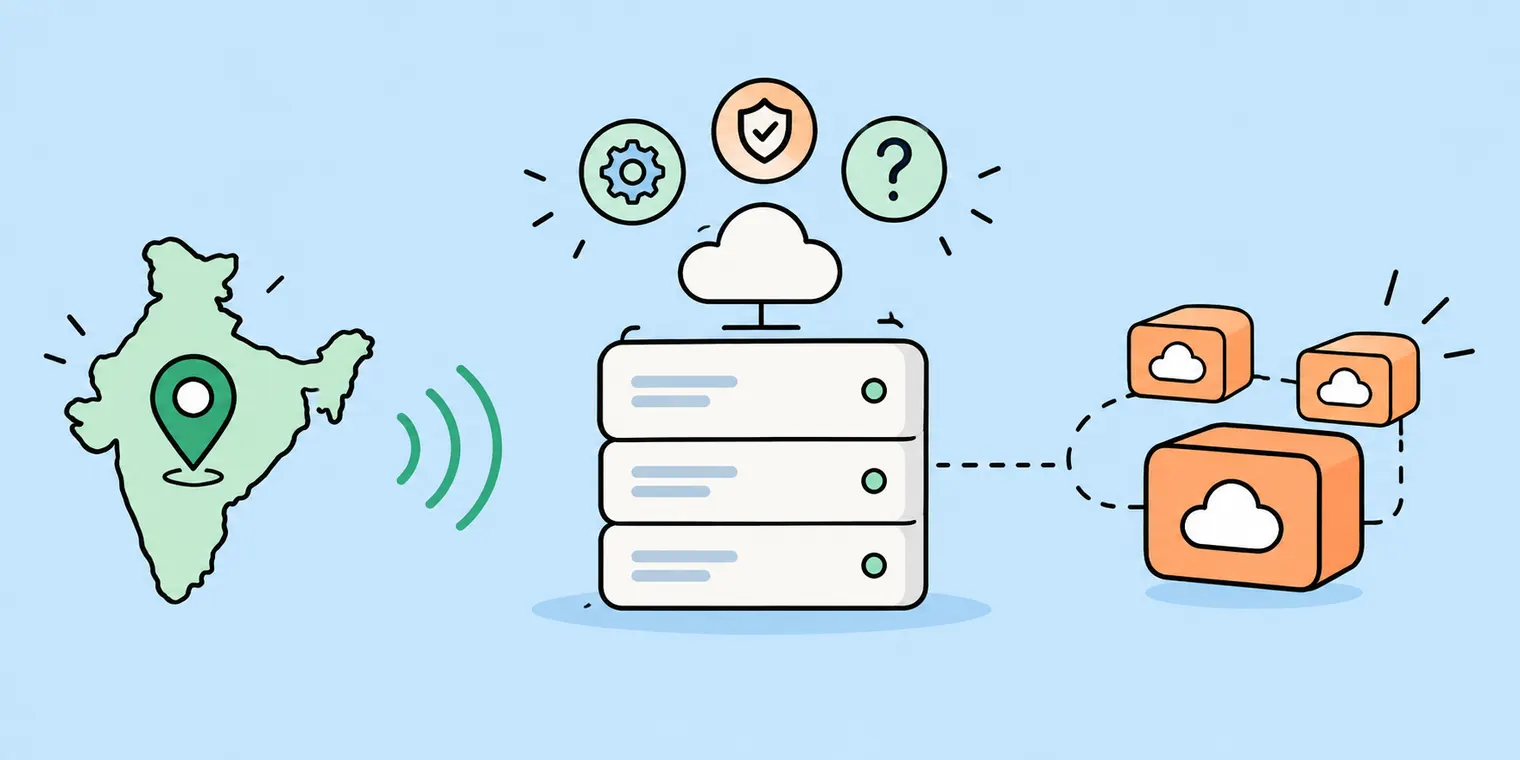
What is the best cloud VPS hosting for an Indian SaaS startup? → The best cloud VPS is the one that fits your stage. Look for a VPS server in India with rupee billing, a GST invoice, hourly pricing, and a fixed IP address.
Note: This is Iotamine's blog, so we're not neutral. We've also told you when a VPS is not the right choice.
Starting a software business is hard enough. Our thoughts: Choosing the right VPS hosting shouldn't make it harder.
Most guides throw a lot of technical words at you. This one doesn't. We'll go step by step: what you need, when you don't need a VPS, what it costs in rupees, and what to watch out for. Let's dive in.
New to this? Five words you'll see
SaaS: software you sell online on a monthly or yearly plan. Think Zoho or Freshworks.
VPS: your own private slice of a big server. It's like renting a flat inside a large building.
Cloud VPS: a VPS you can create, resize, or delete in minutes, and pay for by the hour.
IP address: the "home address" of your server on the internet.
Latency: how long data takes to travel between your server and your user. Lower is better.
Quick Summary: TL;DR
Pick by stage: A first version (MVP) costs about ₹1,035 a month. A growing product costs about ₹9,594 a month, before GST. These use Iotamine's published Delhi rates.
No law forces Indian hosting: The DPDP rules allow data to leave India, except to countries the government restricts. Pick India for speed, not fear.
GST matters: If you're GST-registered, a proper GST invoice lets you claim the tax back.
A fixed IP helps: Many payment and SMS services require a fixed IP address.
Go live safely: Set up backups, lock down access and add alerts before your first paying user.
Know the limits: A VPS gives you servers. It doesn't give you a managed database or auto-scaling.
What Does a SaaS Startup Need from a Cloud VPS?
An Indian SaaS startup needs five things: a server near your users, billing in rupees with a GST invoice, hourly pricing, a fixed IP address, and snapshots (server backups). CPU and RAM matter too, but you can change them later.
Think of renting a Kirana shop. The size of the shelves matters, but the location, the electricity bill, and the address on your visiting card matter more.
Here's your checklist:
A server near your users. If your SaaS startup is for India and your customers are in India, a server in Delhi is closer than one in Europe. From Delhi, the best case for a round trip to Frankfurt is about 61 ms. To Chennai, it's about 17.5 ms. (The maths is in our Delhi-NCR post.) These are the fastest the physics allows, not promises.
Rupee billing and GST invoices. We explain why below.
Hourly billing. You can test things for a few rupees, then delete them.
A fixed IP address. Some services only talk to servers they already know.
Snapshots. A snapshot saves your server's state, so you can copy it or go back to it.
Want a longer buying checklist? Read our guide on 10 questions to ask before choosing a VPS hosting provider.
Do You Need Servers in India Because of DPDP?
No. The DPDP law does not say all personal data must stay in India as per the new rules. The 2025 rules allow sending data abroad, except to countries the government restricts. Choose VPS India for speed. If you handle money or insurance data, ask a lawyer first.
You'll see hosting pages saying "DPDP compliant". But the law is about how your company handles people's data. A server alone can't make you compliant.
Here's what we found:
The Indian government notified the Digital Personal Data Protection Rules, 2025 on 13 November 2025 (Gazette Notification No. 846(E)). The government can restrict transfers to certain countries (Rule 15).
Sending users' data abroad is allowed, except to restricted countries, according to BDO India's summary.
The rules start in stages over 18 months, with full compliance expected from May 2027 (per Uniqus).
Other laws for specific sectors, like finance or insurance, can add stricter rules.
Note: This is general information, not legal advice
How Much Does a SaaS Startup Pay for Cloud VPS Hosting?
A first version of your SaaS Startup (MVP) costs around ₹1,035 a month on one small server. A beta with separate app and database servers costs around ₹4,330. A growing product costs around ₹9,594. All prices are before GST and use Iotamine's published Delhi rates.
Here's how the bill is made. You pay by the hour for each part: ₹0.50 per CPU core, ₹0.042 per GB of RAM, ₹0.0026 per GB of disk, and ₹0.1389 for one IP address. The first 5 TB of data transfer is free. We multiply by 720 hours for a 30-day month. (Source: our Delhi-NCR rate card.)
Stage | What you run | Monthly cost (before GST) |
MVP (first version) | 1 server: 2 CPU, 4 GB RAM, 50 GB disk, 1 IP | ₹1,034.57 |
Beta (first paying users) | App server: 4 CPU, 8 GB RAM, 80 GB + database server: 4 CPU, 16 GB RAM, 200 GB | ₹4,329.94 |
Growth (more users) | 2 app servers + 1 bigger database server + 1 worker server | ₹9,594.43 |
At the growth stage of your SaaS Startup, 18% GST adds ₹1,727. If you're GST-registered and hold a valid tax invoice, you can claim that GST back as input credit. So your real cost is the amount before GST.
Hourly billing makes testing cheap. A 3-hour test on the MVP server costs about ₹4.31. A 2-hour load test on a big server (8 CPU, 16 GB) costs about ₹9.88.
Not in the table: snapshots (backups), which are billed per GB per month, and data transfer above the free 5 TB. Add a little room for both.
Rates can change. Use the pricing page for exact numbers. Also remember: a stopped server still bills, so delete what you don't need.
Why Do a Fixed IP and a Movable Disk Matter?
You need a fixed IP and a movable disk to move your app to a bigger server without changing its address or copying its data. This helps when a partner service only accepts your IP, or when you need to upgrade. There's still a short stop while you move.
Many payment, SMS, and banking services ask for your server's IP address in advance. If you rebuild your server and the IP changes, those calls stop working until the partner updates their list. That's a very stressful day for a small team.
On Iotamine's Cloud VPS, the IP and the disk are separate from the server. Here's how an upgrade works:
Stop the old server.
Detach the disk and the IP.
Attach both to a bigger server.
Start it. Same address, same data.
To be honest, this is not zero downtime. A disk connects to one server at a time, so your app is off for a short while. If you can't allow any break, run two servers behind a load balancer. Our post on how detachable volumes and IPs work shows the steps.
Before You Go Live: A Simple Checklist
Before your first paying user, do three things: set up backups and test a restore, lock down who can log in, and add alerts so you hear about problems before your customers do.
A new VPS server is like a new shop. Before opening day, you fit a lock, buy a spare key, and keep a CCTV running. Software needs the same.
1. Backups (your safety net)
Take a snapshot of your server before every big change. On Iotamine, snapshots are billed per GB per month, so they're cheap to keep.
Keep a second copy of your database outside the server, for example, in another place you control. A backup on the same server dies with the server.
Test a restore once. A backup you've never restored is only a hope.
2. Security (the basics)
Log in with an SSH key, not a password.
Turn on a firewall and open only the ports you need (usually 22, 80, and 443).
Keep your database private. It should not be open to the whole internet.
Turn on automatic security updates.
3. Monitoring (know before customers do)
Watch CPU, RAM, disk, and bandwidth. Iotamine's control panel shows these, plus your bill so far this month.
Add a free uptime alert that messages you when your site stops responding.
Set a disk-space alert at 80%. A full disk is one of the most common reasons a small app falls over.
4. Plan for growth
When your app and database fight for memory on one server, move the database to its own server. The Beta stage in the cost table above does exactly this.
Advanced (for developers): a quick start on Ubuntu or Debian.
# Firewall: allow SSH, web traffic, block the rest
sudo ufw default deny incoming
sudo ufw allow OpenSSH
sudo ufw allow 80,443/tcp
sudo ufw enable

# In /etc/ssh/sshd_config set:
#   PasswordAuthentication no
#   PermitRootLogin prohibit-password
sudo systemctl restart ssh

# Automatic security updates
sudo apt install unattended-upgrades
Check that you can log in with your key from a second terminal before you close the first one.
Cloud VPS, AWS or Something Else?
Which cloud option is best for an Indian SaaS startup? → For a small to enterprise business, steady app, a cloud VPS with an Indian server and rupee billing is usually the affordable and simplest choice. Choose AWS when you need managed databases or auto-scaling. Cheap overseas VPS plans cost less, but they have no India data centre and no GST invoice.
Here is a fair side-by-side for the same size server: 2 CPU, 4 GB RAM and about 80 GB disk. These are list prices at the time of writing (October 2026), in each provider's own currency. Rupee amounts are rough, at about ₹95 per dollar. Prices change, so check each provider's pricing page before you decide.
Provider | Server in India? | Price for 2 CPU, 4 GB | How you pay |
New Delhi | About ₹1,091 a month (80 GB disk + 1 IP), before GST | Hourly. Rupees, GST invoice, UPI | |
Vultr | Delhi NCR, Mumbai, Bangalore | $20 a month (80 GB NVMe), about ₹1,900 | Hourly, in US dollars |
DigitalOcean | Bangalore | $24 a month (80 GB SSD), about ₹2,280 | Hourly with a monthly cap, in US dollars |
Utho | Mumbai, Bangalore, Noida, Indore | $18.99 a month (80 GB NVMe), about ₹1,800 | Indian company. Check its rupee price |
AWS (EC2 t3.medium) | Mumbai, Hyderabad | About $30 a month, about ₹2,850, plus disk and data transfer | Hourly. Billed in rupees with GST invoices through its Indian entity |
Budget European VPS (for example Hetzner CX23) | No | About $6.96 a month, about ₹660 | Euros or dollars. No GST invoice |
Hostinger (KVM 1) | Has India locations | About $6.99 a month, about ₹664, but only 1 CPU and a long-term offer price | Monthly plans |
How to Test Before You Commit
For the test, you have to create a small server in the region closest to your users, check its speed with ping, then delete it. A 3-hour test costs about ₹4.31.
Here's the simplest command to test your VPS server. Open a terminal on your laptop and type:
ping -c 20 <server-ip>The number to look at is the average time in milliseconds (ms). Lower is better. Run the same test on two providers from the same laptop and compare.
For developers: also run mtr -rwc 100 <server-ip> to see the route, and top to check the "st" (steal) value, which shows how busy the shared server is. For help choosing a region, read how to choose a data centre location for VPS hosting India.
Final Word : TL;DR
Best cloud VPS hosting for SaaS: choose by your stage, your region, your billing and who will run it.
Cost: about ₹1,035 a month for an MVP and ₹9,594 for a growing product, before GST.
DPDP: it doesn't force Indian hosting, but speed and sector rules often point there.
Limits: no managed database or auto-scaling, and moving a disk needs a short stop.
Next step: try a small server on Iotamine's VPS hosting in India, or compare plans and pricing first.
Looking for a general-purpose server? See our VPS hosting page, or read more about Cloud VPS with detachable storage.
FAQ
What is the best cloud VPS hosting for Indian SaaS startups?
It depends on your stage. For a first version or beta, pick a cloud VPS with a server in India, hourly rupee billing, GST invoices and a fixed IP. Move to managed services when you need auto-scaling or a managed database.
Is a cloud VPS cheaper than AWS for a startup?
For a small to mid size enterprise business, steady apps, often yes, because you pay per resource and the bill is easy to predict. AWS can be better when you need managed databases or auto-scaling. Compare the full cost, including GST and your own time.
How do I test a VPS before moving my app?
Create a small server in your target region, run a ping test, then delete it. On hourly billing, a 3-hour test costs a few rupees.
Do I get a fixed IP for my SaaS app?
On Iotamine, an IP address is separate from the server. You can attach it, detach it and reuse it on another server, so your public address can stay the same after a rebuild.